Rule engine
DOMAIN, DOMAIN-SUFFIX, IP-CIDR, GEOIP and remote RULE-SET matching, evaluated top to bottom with a FINAL fallback.

Rule-based traffic routing
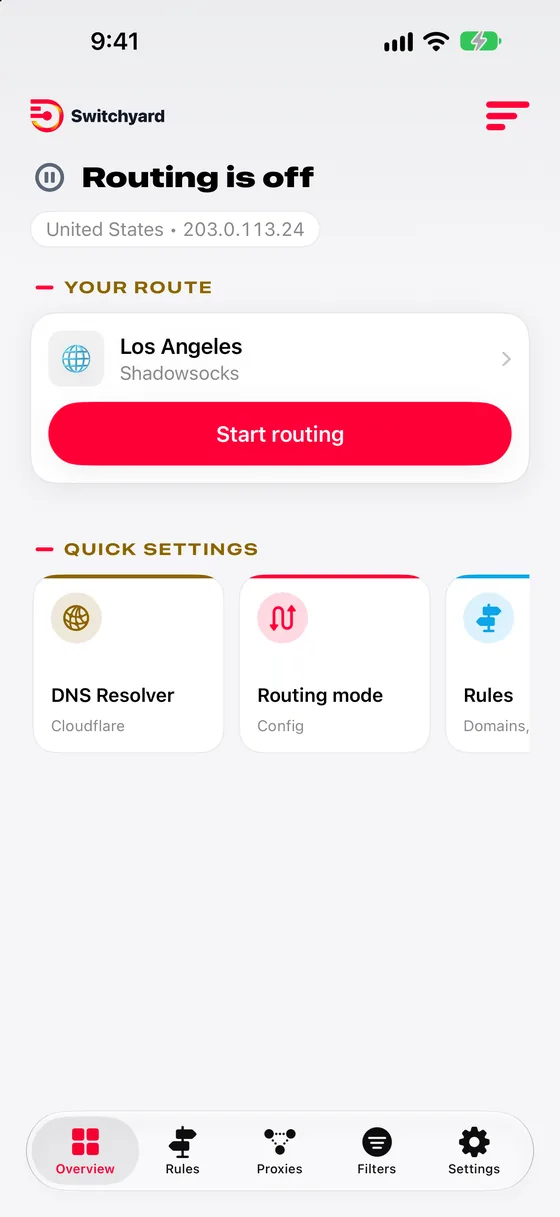
Switchyard Router is a professional routing client for iPhone, iPad, Mac and Apple TV. Decide, connection by connection, what goes direct, what is blocked, and which of your servers carries the rest.
One purchase
A single paid download for every Apple device you own.
Get SwitchyardThe engine
A compact native C engine evaluates your rules for every connection on-device. Add infrastructure by pasting a URI, scanning a QR code, or importing a configuration file.
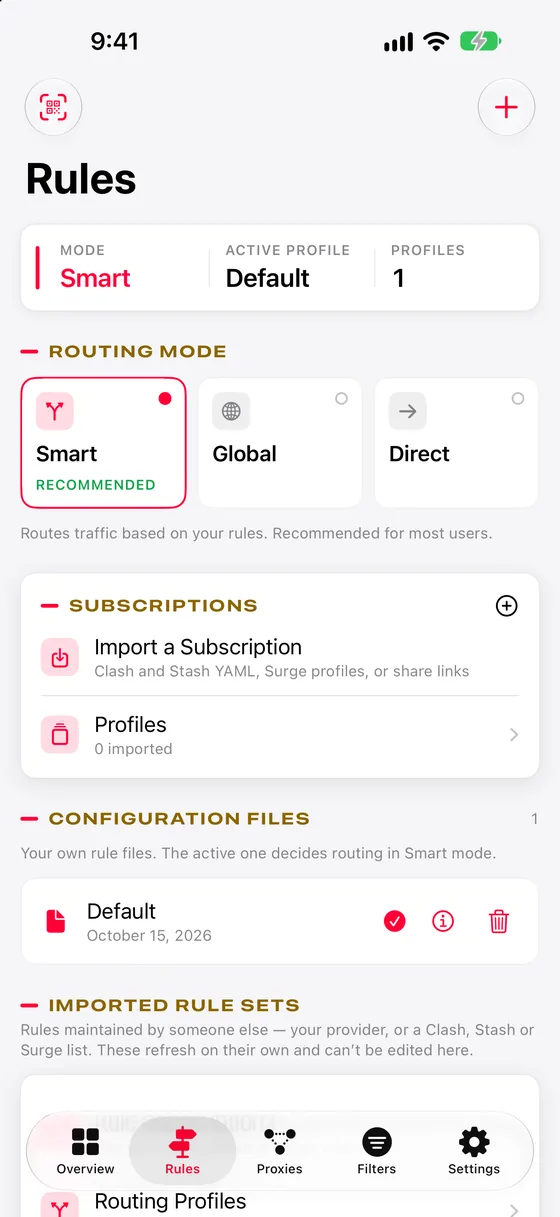
DOMAIN, DOMAIN-SUFFIX, IP-CIDR, GEOIP and remote RULE-SET matching, evaluated top to bottom with a FINAL fallback.
Select, URL-test, fallback and load-balance groups keep traffic on the healthiest path automatically.
Block domains at DNS with blocklists you choose, before a single packet leaves the device.
DNS-over-HTTPS and DNS-over-TLS resolvers, with per-domain overrides for internal zones.
See which rule matched each request, where it went and how long it took — for audits and troubleshooting.
Share links, subscriptions, WireGuard .conf files and Clash / Stash YAML profiles.
Protocols
One engine speaks all of them — so mixed estates, legacy gateways and new QUIC deployments sit side by side in a single policy.
Everywhere you work
One engine, four platforms. Your configuration moves from the phone in your pocket to the desk and the conference-room TV.
A full desktop window with a sidebar for rules, proxies and filters — plus a menu-bar item for quick switching.
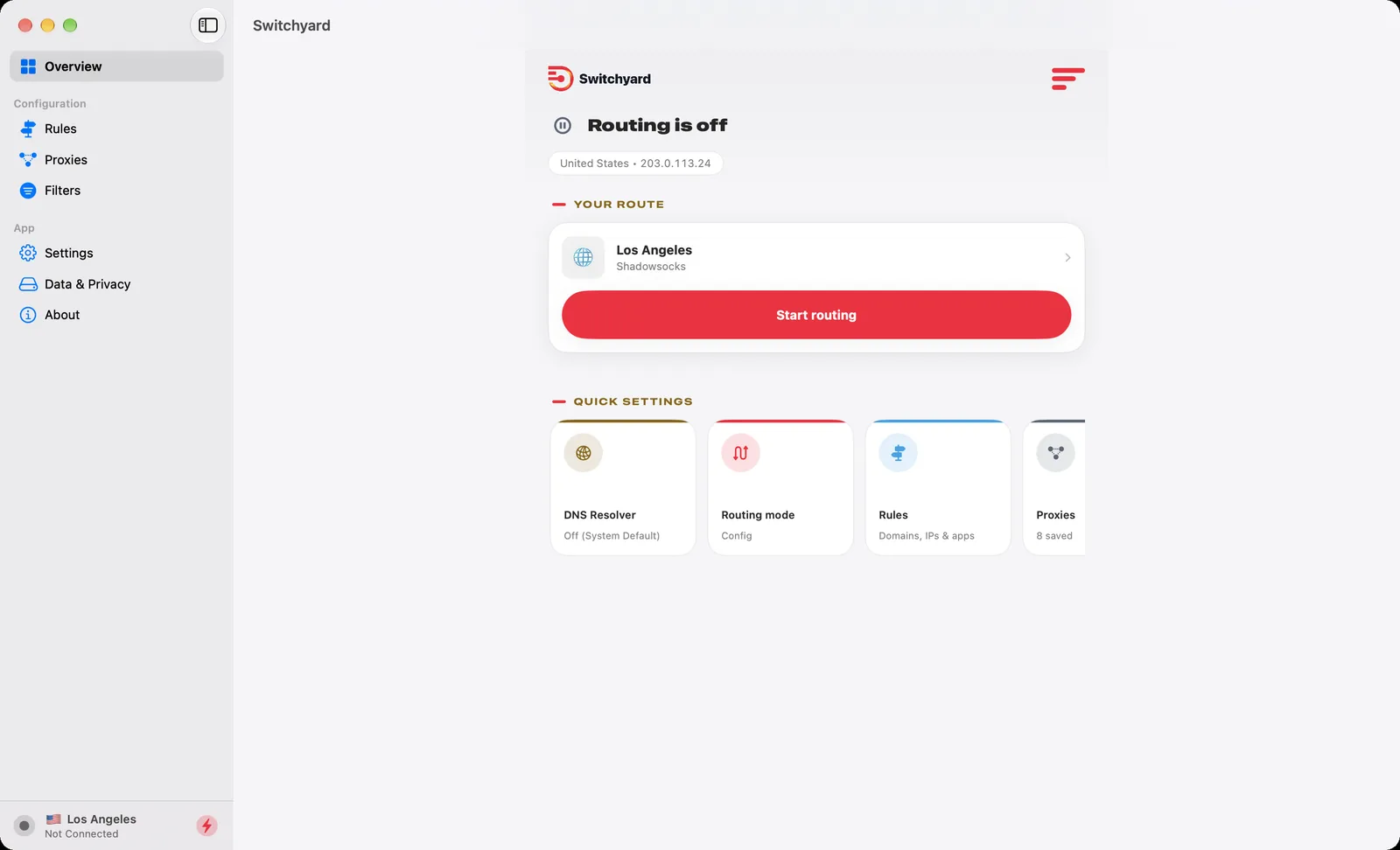
Start routing in one tap, with live status and quick settings on the Overview.
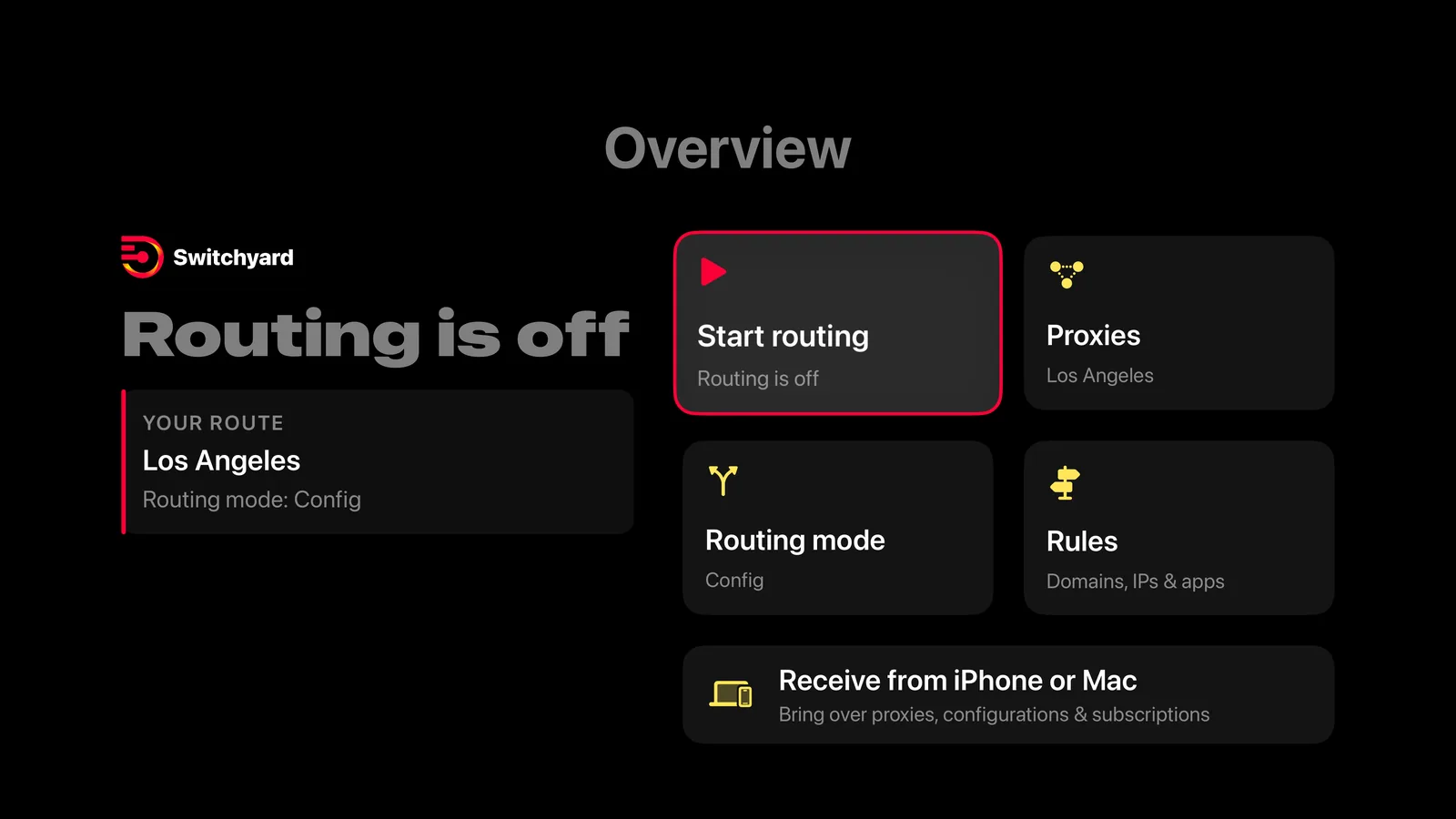
A big-screen console made for the Siri Remote. Send your whole setup from iPhone, iPad or Mac — no typing.
Who it's for
Model split routing, test failover groups and verify which path a destination really takes.
Point staff devices at the gateways you operate with one shared configuration file.
Reproduce regional and edge-network conditions, and inspect your own traffic while you debug.
No. Switchyard Router is a routing client. It connects to infrastructure you or your organisation operate, and it does not sell or provide servers.
No. It is a single paid download on the App Store — no in-app purchases and no recurring fees.
No. There are no logins or user accounts.
Never. We don't collect, store, sell or transmit your traffic, browsing history or personal information. There are no analytics or advertising SDKs, and your configuration and logs stay on your devices.
iPhone, iPad, Mac and Apple TV. Optional iCloud sync keeps servers, DNS and rules in step across your devices, and Apple TV can receive a full setup over your local network.
Switchyard uses Apple's Network Extension framework to apply your routing rules on-device. Nothing is routed through us.
One purchase. Every Apple device. Nothing logged.